Change workbook appearance
Add images to worksheets
One way to add a picture to a worksheet is to locate the picture you want to add from your hard disk, insert it, and then make any formatting changes you want. For example, you can reposition, and resize the picture.
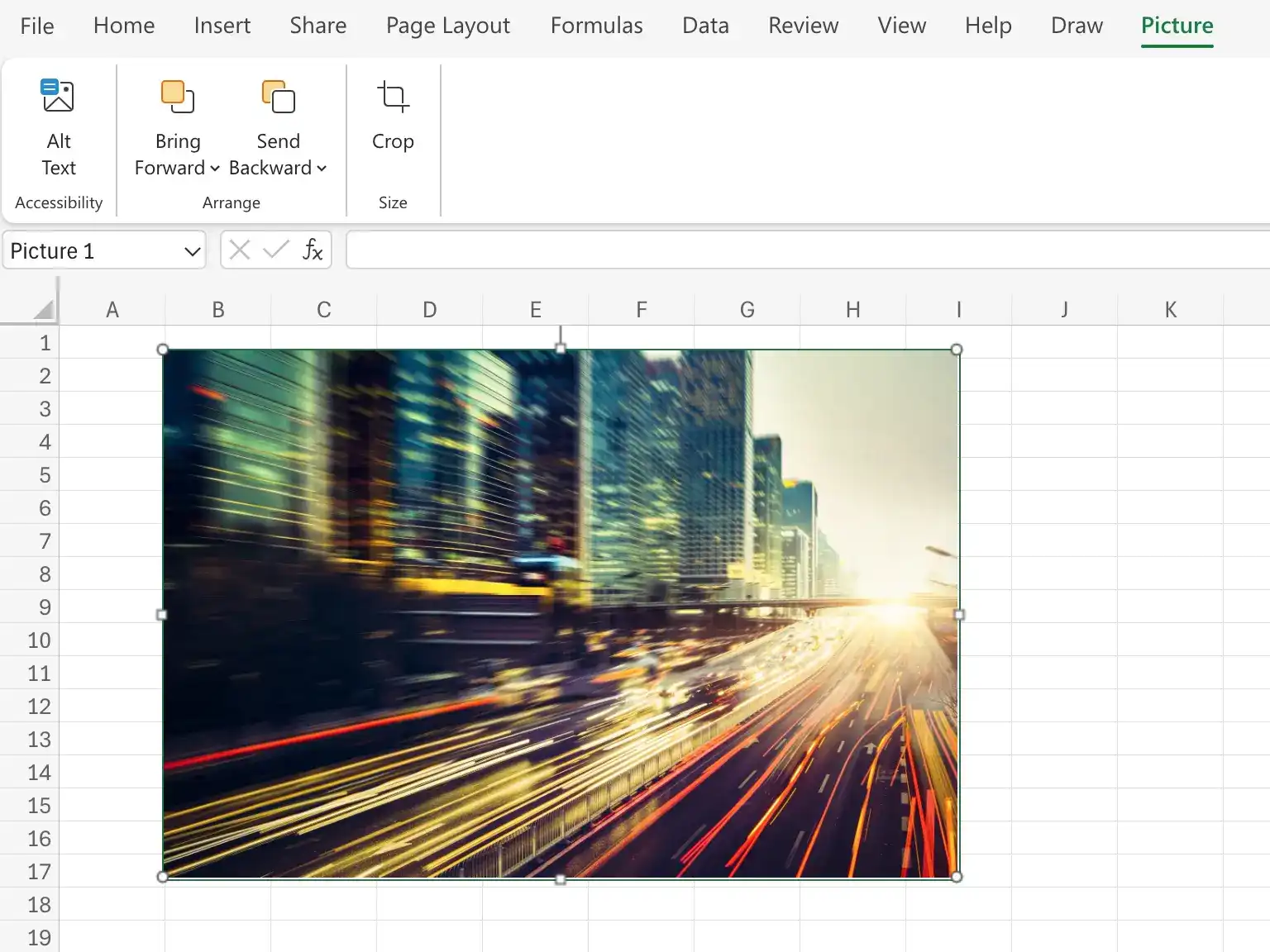
To insert an image from your computer
- On the Insert tab of the ribbon, in the Illustrations group, click Pictures.
- In the Insert Picture dialog box, navigate to the folder that contains the image you want to add to your worksheet.
- Click the image.
- Click Insert.
Add an online image
- Click the Stock Images or Search on web button.
- In the Insert Pictures dialog box, enter search terms identifying the type of image you want to find online.
- Press Enter.
- Click the image you want to add to your worksheet.
- Click Insert.
Resize an image
- Click the image.
- Drag the sizing handles to resize the image.
- To maintain the image's proportions, press and hold the Shift key while dragging a corner sizing handle.
Delete an image
- Click the image.
- Press the Delete key.
Feedback
Was this page helpful?