Find and correct errors in calculations
Incorporating calculations into a worksheet helps you find valuable answers to questions about your data. However, errors can sometimes occur in your formulas. Excel provides tools to trace the source of these errors by identifying the cells involved in a specific calculation and describing any issues. This process of reviewing a worksheet for errors is known as auditing.
Excel highlights errors in several ways.
One method is displaying an error code in the cell containing the problematic formula. When the cell with the error is active, hovering over reveals an pop up on its right side.

Clicking the icon open a menu with options to explain the error and offer assistance in resolving it.
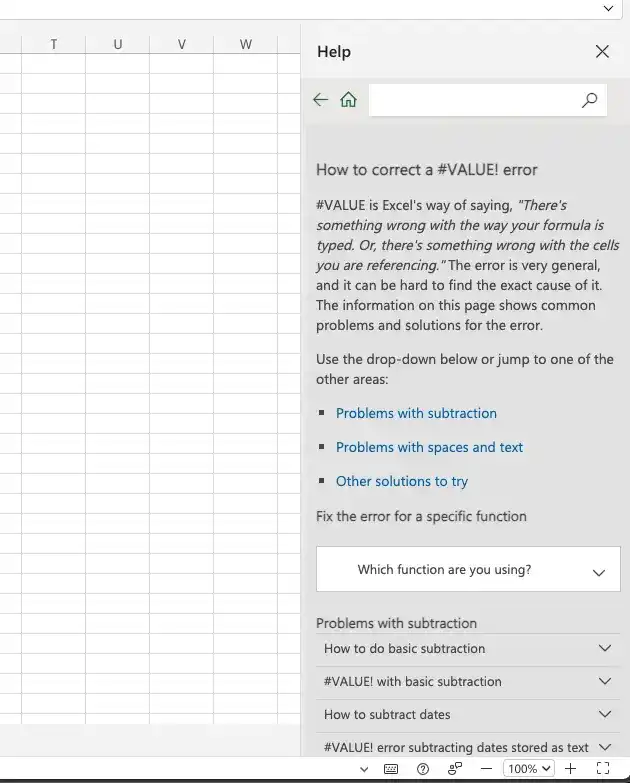
The following table lists the most common error codes and what they mean.
Feedback
Was this page helpful?