Collaborate with others
Track and manage others changes
Tracking changes in Excel allows you to monitor who makes changes to a workbook, what changes are made, and when they occur. This feature is particularly useful when multiple users collaborate on a workbook, as it helps you keep track of the modifications made by each user. By enabling change tracking, you can review, accept, or reject changes made by others, ensuring that the workbook remains accurate and up-to-date.
To track changes in Excel, follow these steps:
- Open the workbook you want to track changes in.
- Click on the Review tab in the Excel ribbon.
- In the Changes group, click on the Show Changes button.
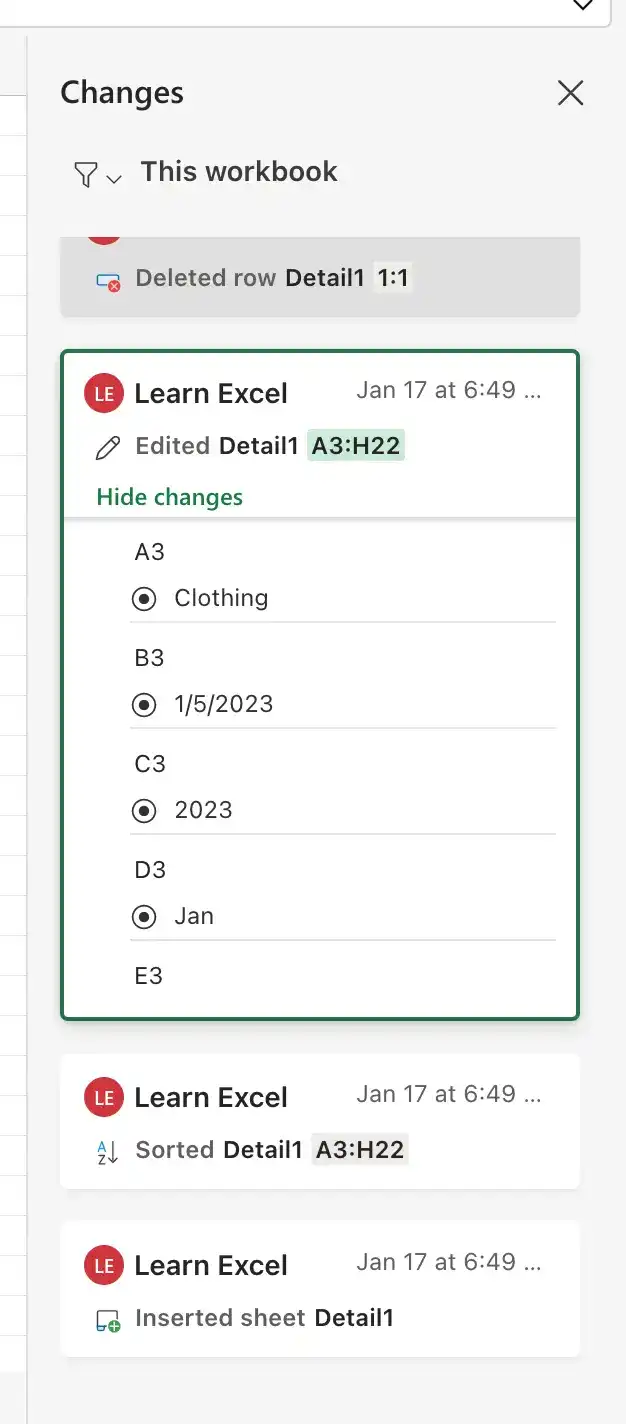
- A list of all changes made to the workbook will be displayed in the "Changes" tab.
- You can check what changes were made, who made them, and when they were made.
Feedback
Was this page helpful?