Print worksheets and charts
Print Worksheets
When you’re ready to print a worksheet, you can control how Excel prints it. You can choose the printer, print multiple copies, and select whether the copies are collated (all pages of a document printed together) or not (multiple copies of the same page printed together). Additionally, you can print multiple worksheets at once by selecting the worksheet tabs in the tab bar before printing, or you can print the entire workbook at once.
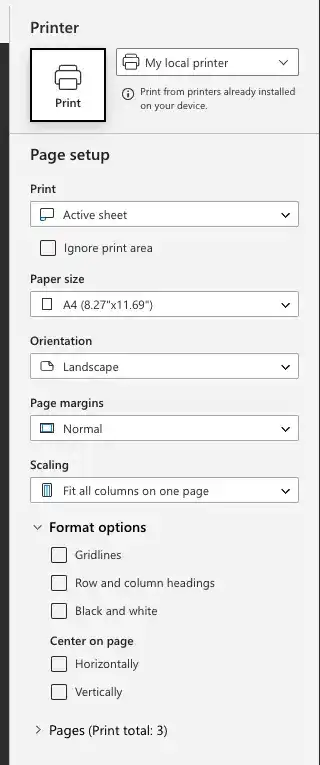
Print a worksheet in Excel
- Display the worksheet you want to print.
- Click the File tab on the Ribbon, select Print.
- Click the Print button to print the worksheet.
Feedback
Was this page helpful?